Posted on
Feb 25, 2026
Open Dental AI Scribing Workflows
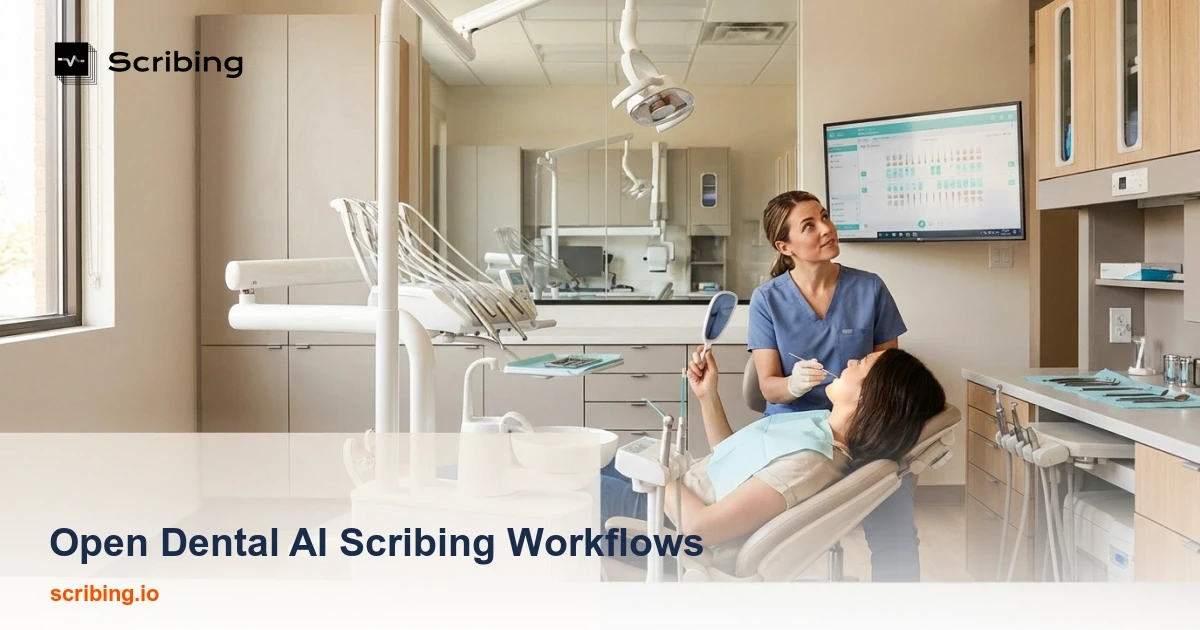
Open Dental AI Scribing Workflows: Unlocking Automation in an Open-Source Environment
Introduction: The Open Dental Advantage and Its AI Challenge
Open Dental has long been a favorite among dental practices seeking flexibility, transparency, and cost-effectiveness in their practice management software. As an open-source platform, it offers unparalleled customization options and freedom from vendor lock-in. However, this same open-source architecture presents a unique challenge: Open Dental lacks native AI tools for clinical documentation and scribing.
For practices looking to modernize their workflows with AI-powered clinical scribing, this means thinking outside the box—and fortunately, Open Dental's flexible framework makes creative solutions not just possible, but highly effective.
Understanding Open Dental's Open-Source Flexibility
Open Dental's open-source nature is both its greatest strength and its primary limitation when it comes to AI integration. Unlike proprietary systems that may bundle AI features directly into their platforms, Open Dental provides:
Full database access for custom integrations
API capabilities for third-party connections
Transparent code that allows for customization
No artificial barriers to external tool integration
This means that while you won't find a built-in "AI Scribe" button in your Open Dental toolbar, you have complete freedom to architect a solution that fits your practice's specific needs.
Building Your AI Scribing Workflow with Open Dental
Option 1: Standalone AI Scribing Tools with Manual Transfer
The simplest approach involves using a dedicated AI scribing application alongside Open Dental:
During the appointment: Use an AI scribing tool (like Freed, DeepScribe, or similar) to capture and transcribe the clinical encounter
Review the generated notes: Verify accuracy and make necessary edits
Transfer to Open Dental: Copy the finalized documentation into the appropriate clinical notes fields
Pros: Quick implementation, minimal technical setup
Cons: Requires manual copy-paste, potential for workflow interruption
Option 2: API-Based Integration
For practices with technical resources, Open Dental's API opens doors to more seamless integration:
Configure API access in Open Dental's setup
Connect your AI scribing solution to push notes directly into patient records
Map data fields to ensure information lands in the correct locations
Test thoroughly before going live
This approach requires either in-house development expertise or working with a vendor who supports Open Dental integration.
Option 3: Bridge Software Solutions
Several third-party bridge applications are designed specifically to connect AI tools with practice management systems like Open Dental. These solutions often handle:
Real-time note synchronization
Template mapping
Billing code suggestions
Clinical note formatting
Best Practices for AI Scribing in Open Dental
Establish Clear Documentation Standards
Before implementing any AI scribing solution, define:
Note templates that align with your clinical workflow
Required data elements for each procedure type
Review protocols to ensure accuracy
Correction procedures for AI-generated errors
Train Your Team
Success with AI scribing depends heavily on proper usage:
Speak clearly and use consistent terminology
State patient information and procedure details explicitly
Review all AI-generated content before finalizing
Provide feedback to improve AI accuracy over time
Maintain Compliance and Security
Even with Open Dental's flexibility, you must ensure:
HIPAA compliance for any AI tool handling patient data
Business Associate Agreements (BAAs) with AI vendors
Data encryption during transmission and storage
Audit trails for documentation changes
The Future of AI in Open Dental
The Open Dental community continues to grow, and with it, the ecosystem of compatible tools and integrations. As AI technology advances, we can expect:
More vendors developing Open Dental-specific integrations
Community-developed plugins for AI functionality
Enhanced API capabilities for smoother connections
Potential native AI features in future Open Dental releases
Conclusion: Embracing AI Within an Open Framework
While Open Dental's lack of native AI tools might initially seem like a limitation, the platform's open-source flexibility actually provides practices with greater choice and control over their AI scribing solutions. By thoughtfully selecting and implementing the right tools, Open Dental users can achieve sophisticated AI-powered documentation workflows that rival—or even surpass—those available in closed, proprietary systems.
The key is approaching implementation strategically, prioritizing security and compliance, and investing in proper training for your team. With these elements in place, AI scribing can transform your Open Dental practice's efficiency while maintaining the flexibility and control that drew you to the platform in the first place.
Ready to explore AI scribing solutions for your Open Dental practice? Start by auditing your current documentation workflow and identifying the areas where AI assistance would provide the greatest time savings and accuracy improvements.


